

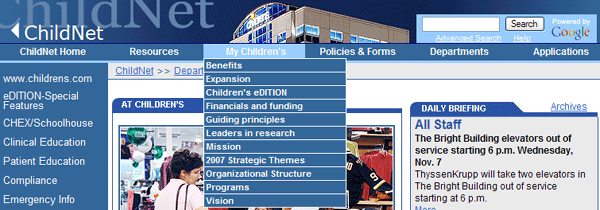
| The image below illustrates how applications are launched from ChildNet. Applications are launched from the banner area to ensure they are accessible from all areas within ChildNet. |
 |
| To add links to the applications dropdown, call Douglas DoNascimento 214.456.5311 in Public Relations. He will add links to the HeaderNew.asp file for you. |
| The following image illustrates the font classes used in the navigation. For specific details on classes used, please see the Style Sheet Glossary. |