Site Navigation
Policies
Procedures
Resources
Help
Children's Guidelines
Notification Form
Getting Started
Setting Up a Site Map
Writing Style Guide
Design Style Guide
Branding & Identity
Graphics Guidelines
Graphics Best Practices
Photography
Page Design Guidelines
Page Design Best Practices
Screen Resolution
Template Overview
Template Dimensions
Template Types & Details
Stylesheet Glossary
Coding Standards
Site Navigation
Header Navigation
Left Navigation
Right Navigation
Text Links
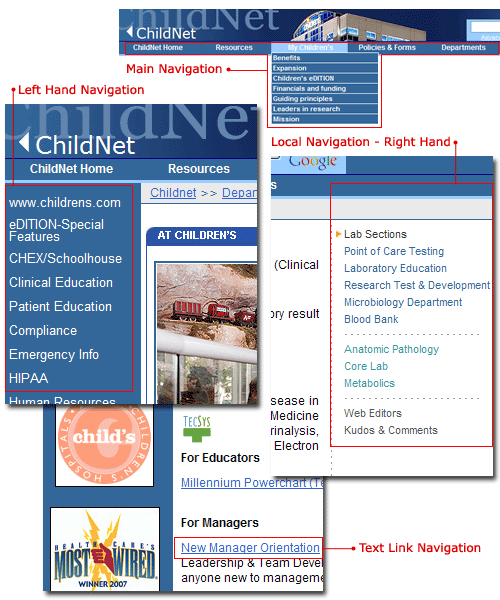
There are several ways to navigate the Intranet. Optimally, pages will be viewed from within ChildNet (the intranet), where the browsing process begins with the left side navigation. Applications should be accessible from everywhere within the intranet, therefore links to applications launched from ChildNet are launched from the "Applications" dropdown menu found in the header of ChildNet.